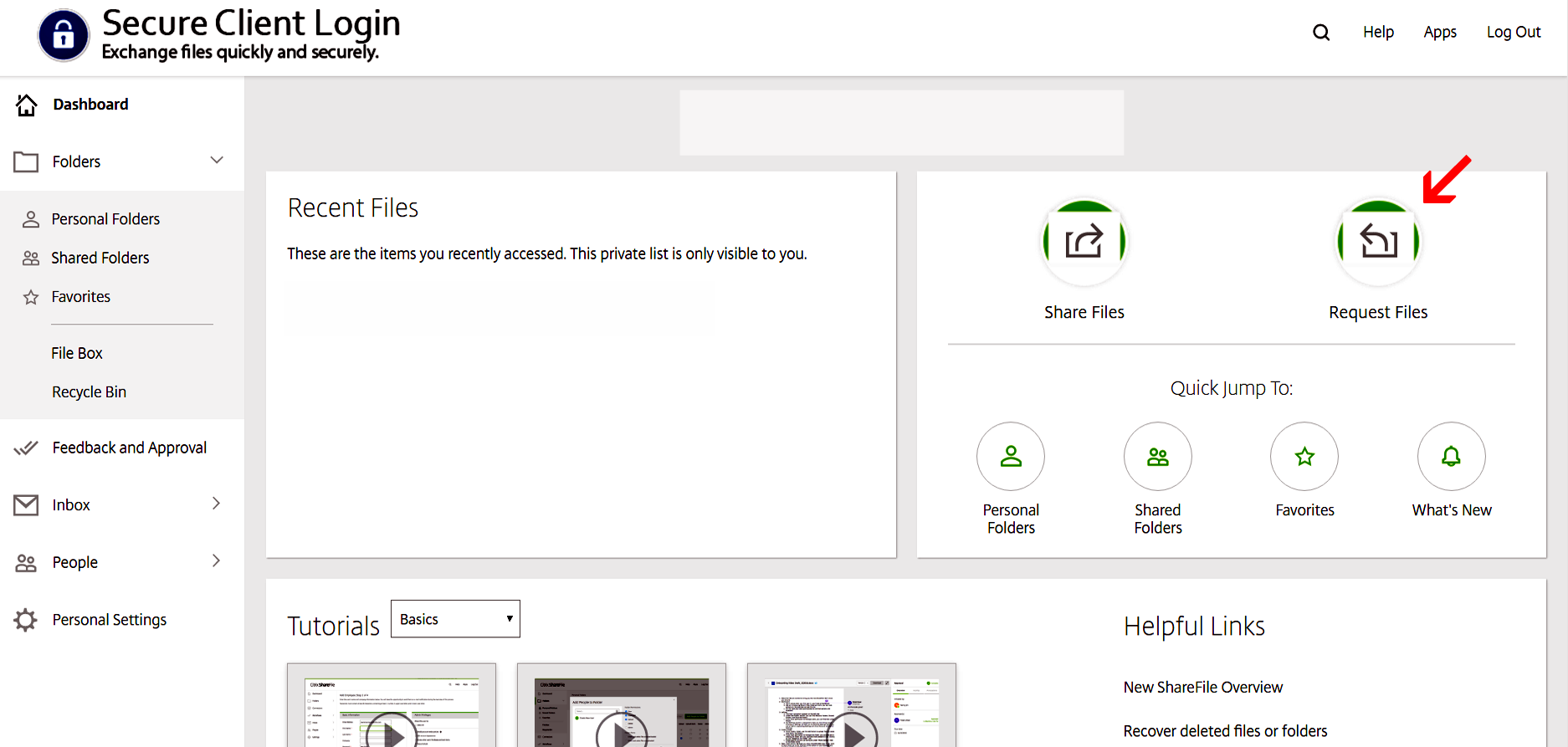
1. Click on ‘Request files’ as shown below.
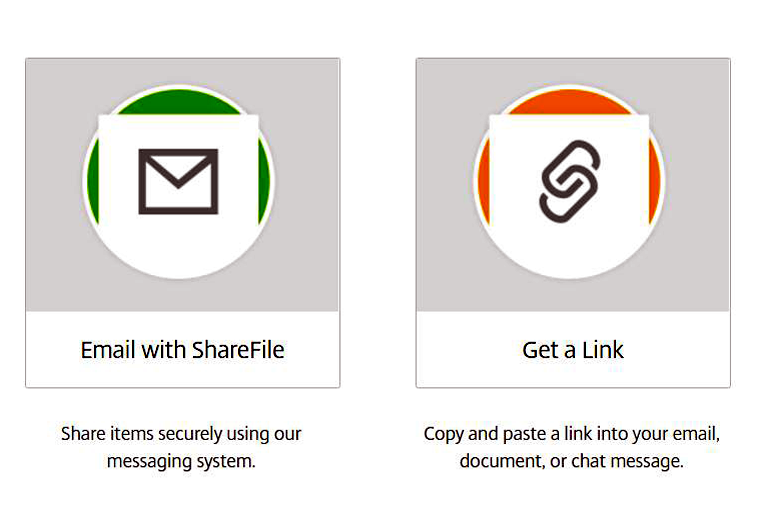
2. The “Get a Link” option provides a link that you can send to the other party through your regular email. The “Email with ShareFile” option lets you immediately send the request directly from your portal.
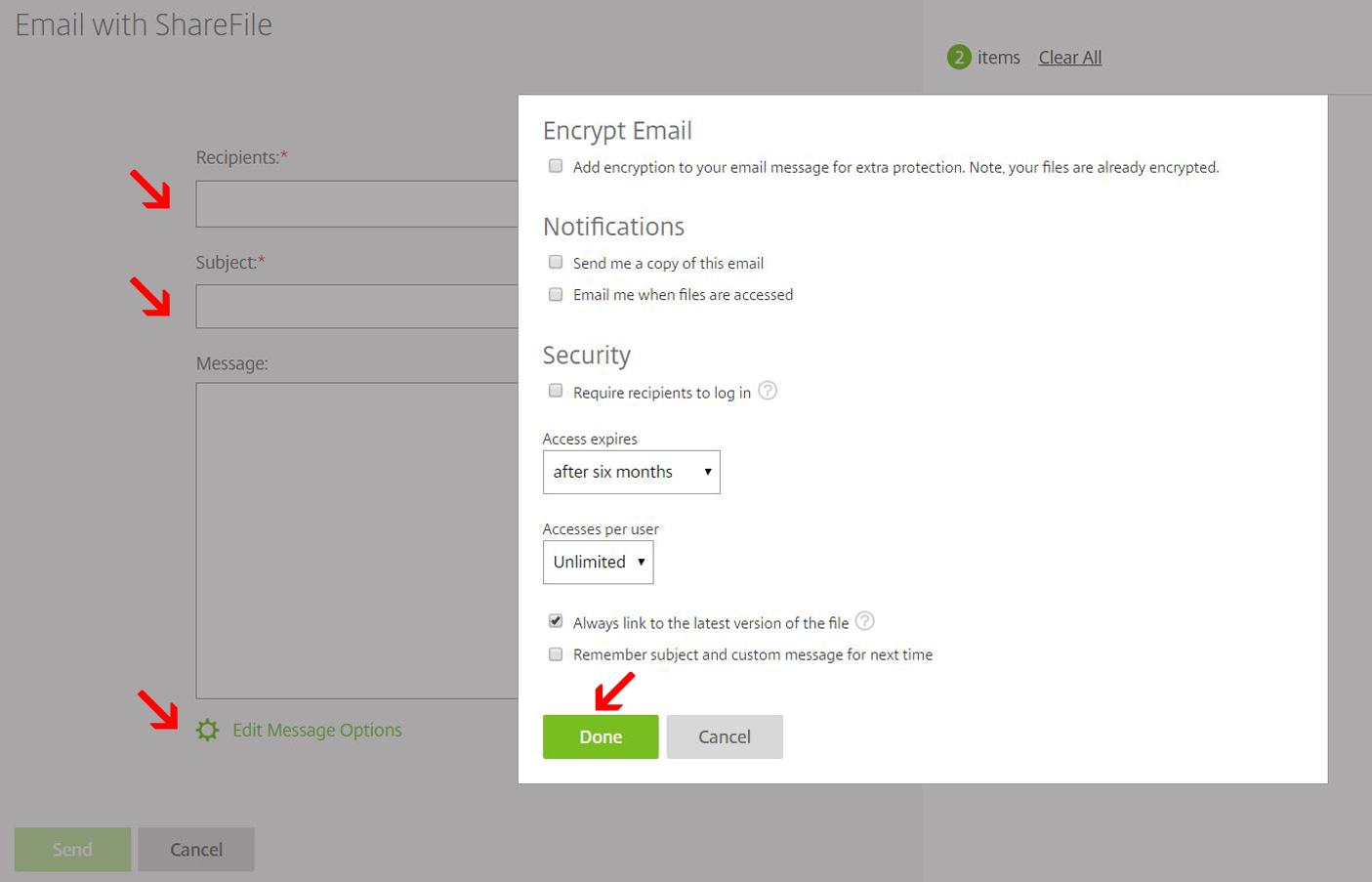
3. Here is what the “Email with ShareFile” screen looks like:
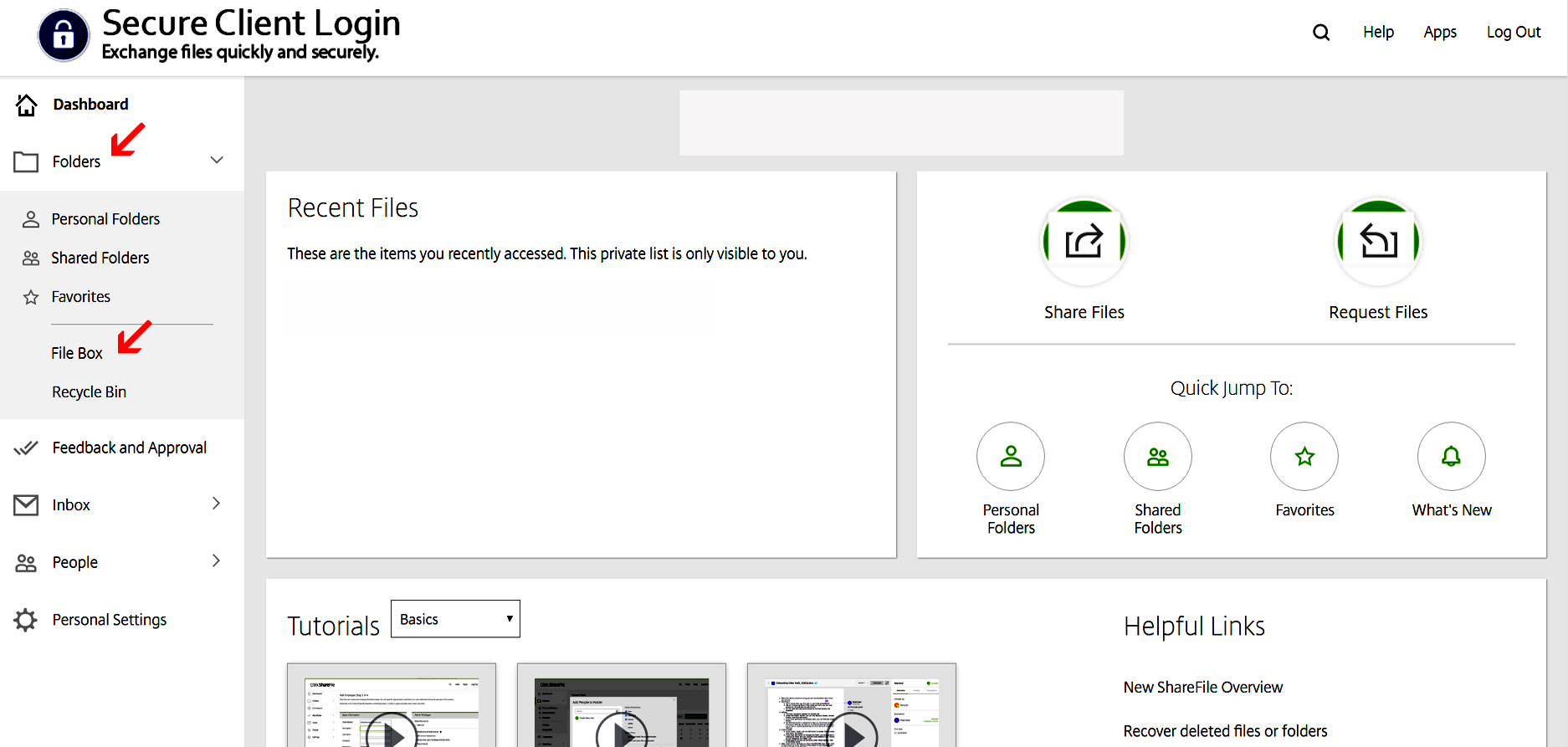
4. When the client sends you the files, they will appear in your ‘File Box’ on the dashboard under the ‘Folders’ tab.